I Kept Forgetting Everything I Watched. A Video Summarizer Fixed the Wrong Thing First.
A while back I caught myself doing something that should have bothered me more than it did. I’d spent the better part of an evening — maybe two hours — working through a series of talks I’d been meaning to watch. Good ones. The kind I’d deliberately saved. And the next morning, when a colleague asked what one of them was about, I opened my mouth and nothing came out. I knew I’d watched it. I could picture the speaker. I could not tell you a single thing he said.
My first instinct was the one I think most of us have: I need to watch less, or watch faster. So I went looking for a video summarizer — a tool that would compress a 40-minute talk into a tidy list of points so I could “get the gist” and move on. I found one. And it did fix something. Just not the thing I thought I was fixing.
The problem was never speed
Here’s the thing nobody tells you about “watch faster”: speeding up how you consume doesn’t help if the problem is that nothing sticks. I could have watched those talks in half the time and remembered exactly the same amount — which is to say, nothing. The forgetting wasn’t a speed problem. It was a processing problem.
I’m not making this up to sound insightful. Memory researchers have a name for it. The gap between recognizing something as it plays and actually being able to recall it later is one of the most replicated findings in cognitive science — Ebbinghaus mapped the “forgetting curve” back in 1885, and study after study since has confirmed that without doing something active with new information, most of it is gone within a day. Watching a video, however good, is almost entirely passive. Your eyes move. Your brain files it under “entertainment” and lets it wash past. It’s the same reason I forget most of what I read if I don’t do something with it.
Which is a strange thing to admit as someone in my thirties who works with information for a living. I’m supposed to be good at this. But the truth is the format was working against me, and speeding it up would only have helped me forget more efficiently.
What actually changed: I stopped watching and started reading
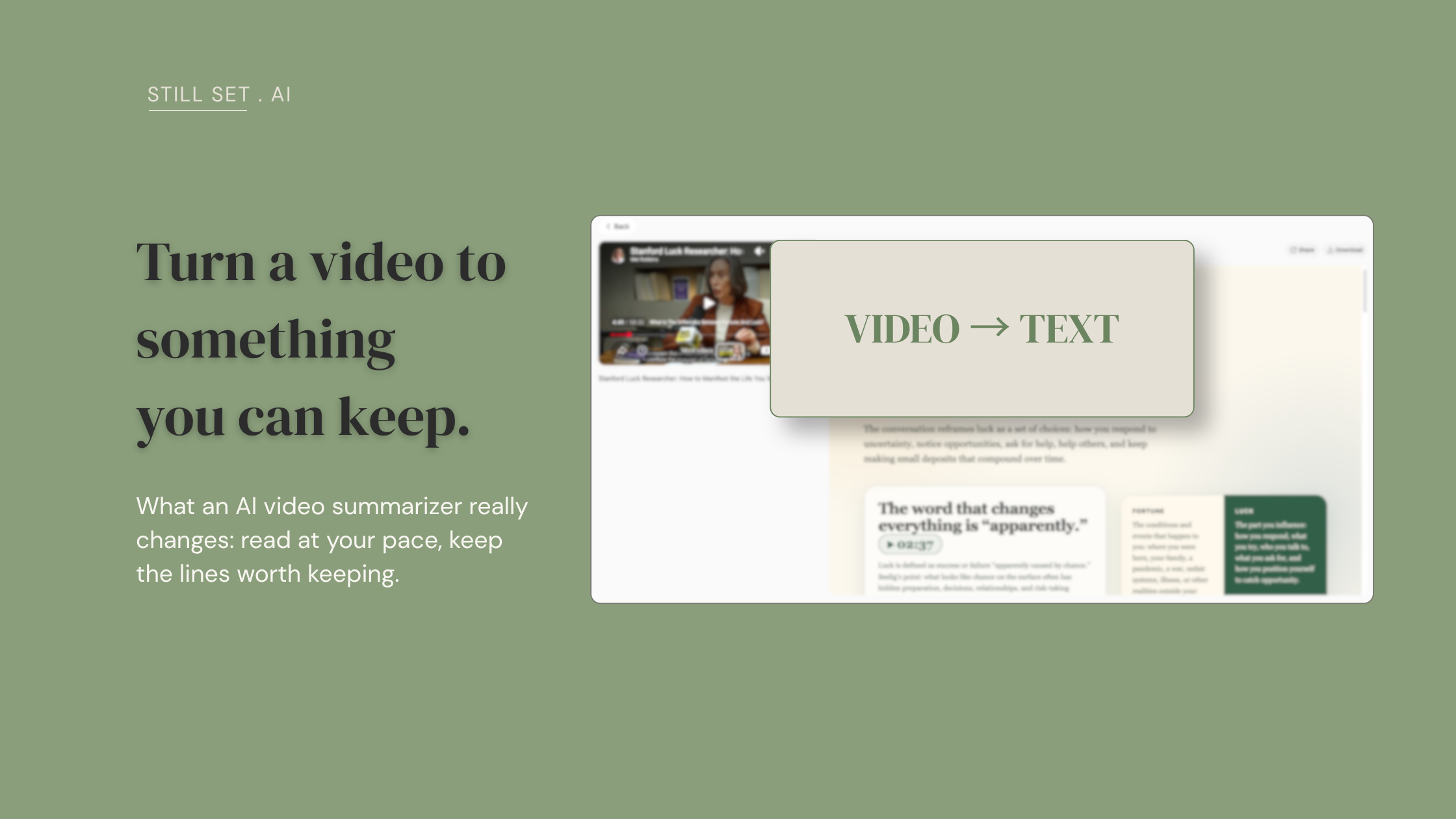
The shift that helped wasn’t summarizing faster. It was turning the video into text I could work with the way I work with everything else — at my own pace, with my hands.
This is where the tool I landed on — Clipto — earned its place, though not for the reason its own marketing would give you. It’s an AI transcription and summarizing tool: you feed it a video or a link, and it gives you back the transcript plus a structured summary. The feature list will tell you it does 99% accuracy across ninety-plus languages. Fine. That’s not what mattered to me. What mattered was much smaller and much more useful.
First: the summary doesn’t come out as one flat wall of text. It comes out structured — headers, sub-points, the shape of a clean report rather than a paragraph you slide off of. I didn’t expect to care about this. It turns out I care a lot. I’m a visual person; when information has a shape, I hold onto it. When it’s an undifferentiated block, it evaporates. Seeing a talk broken into its actual parts did more for my memory of it than watching the whole thing had.
Second, and this is the one I didn’t see coming: not every speaker is easy to listen to. That’s not a criticism of them — someone can have genuinely excellent things to say and a voice or a pace that my attention just slides off. When the content needs real concentration, a static page is often kinder to my brain than a voice pushing me along at its speed. Reading, I set the tempo. I stop where I need to. I go back without the guilt of “rewinding.”
Third — and this is the small thing that turned out not to be small at all. You know the moment when you’re watching and something genuinely good goes by, and you want to keep it? With video, keeping it means stopping, scrubbing back to find the exact spot, writing it down, losing your place, restarting. By the time you’ve done that three times, a two-hour talk has become a six-hour rabbit hole. (That exact complaint shows up over and over when you read how people actually talk about this — the note-taking costs more attention than the watching does.) With a transcript open, I read something worth keeping, copy it, paste it into my own notes, and I’m back in under a minute. It sounds trivial written down. Across a full working session, it’s the difference between a workflow that flows and one that keeps snagging.
There’s a fourth thing I use less often but keep being glad exists: it can produce the output in your own language, not just English. The translation isn’t perfect — I’ve hit passages that come out slightly clumsy, the kind of phrasing a human would never write. But the meaning survives, and for skimming a talk in a language I’m slower in, “good enough to get the point” is genuinely useful. I’d rather you hear that from me than discover the rough edges yourself and feel misled.
The feature I was most skeptical of
There’s a chat function that lets you ask questions about the video you just processed, right there in the same flow. I ignored it for the first week. It sounded like a gimmick. Then I tried it on a talk I only half-understood, and it did something I didn’t expect: it suggested questions I hadn’t thought to ask.
It felt less like a search box and more like the person in a study group who asks the question everyone else was too foggy to form. If I were revising this material for something that mattered, that’s exactly the nudge I’d want — not the answers handed to me, but the questions that show me where my understanding is thin. That’s active processing, which, if you go back to the top of this piece, is the entire thing I was missing.
What this does NOT fix, and who it’s NOT for
Let me be straight about the edges, because a tool that only gets praised is a tool you can’t trust.
It won’t make you remember things by itself. This is the honest core of it: turning a video into text doesn’t create memory — doing something with the text does. If you generate a beautiful structured summary and never open it again, you’ve just built a nicer-looking version of the same graveyard of saved things you already have. The tool lowers the friction of processing; it doesn’t do the processing for you. If you were hoping to outsource the remembering entirely, this isn’t that, and honestly nothing is.
Turning a video into text is really just step one — it flattens something you couldn’t hold onto into something you can read at your own pace. What you do next is where the actual keeping happens: the lines worth returning to still have to be marked, saved, and revisited, or they drain away like everything else. Clipto gets me to a clean transcript. It doesn’t do the returning for me — that’s a separate habit, and one I’m still building.
The macOS app is limited by your machine’s specs. I couldn’t run the desktop app the way I wanted to on my setup, so I’ve been using the web version throughout. It works, but if you were picturing a native desktop experience, check whether your machine qualifies before you get attached to the idea.
And the privacy question is real — worth thinking about before you point it at anything sensitive. If you’re considering it for work meetings, know that plenty of workplaces flat-out forbid AI note-takers on calls for confidentiality reasons, and that’s a legitimate concern, not paranoia. Clipto does offer on-device processing, which is genuinely a point in its favor here compared to tools that route everything through the cloud — but “check what your organization allows” is advice I’d give before any transcription tool touches a private conversation.
Who’s it not for? If you mainly consume video for entertainment and you’re at peace with letting it wash past — genuinely, no judgment — you don’t need this, and it would just be one more app in the pile. I’ve spent enough time collecting apps I never opened to know the difference. This is for the specific frustration of watching things you actually meant to learn from, and losing them.
Where I’ve landed
I went looking for a way to watch faster and found something more useful: a way to stop pretending that watching was the same as learning. I don’t summarize everything now — most videos still don’t deserve the effort, and I’ve made peace with letting those go. But for the handful each week that I genuinely want to keep, turning them into text I can actually work with has changed what I walk away holding. Three weeks in, it’s earned a permanent spot in how I handle video. That’s not a sentence I write about most tools I try.
If you’ve got a “watch later” list you both love and quietly resent, I’d like to hear how you handle it — do you watch and re-watch, take notes by hand, or just accept the forgetting? I’m still refining my own approach, and the best ideas I’ve found came from people describing what actually works for them.
If you want to try it, this is the tool I’ve been using → Clipto. Full disclosure: that’s an affiliate link, so if you end up subscribing I earn a small recurring commission at no extra cost to you. I only get paid if you actually stick with it — which is the only version of this that feels honest to me.
— Still Set